How to Avoid Buying the Wrong Printer Cartridge
Buying printer ink should be simple, you find your printer model, order the right ink, and carry on with your day. Unfortunately, it doesn’t always work out like that.
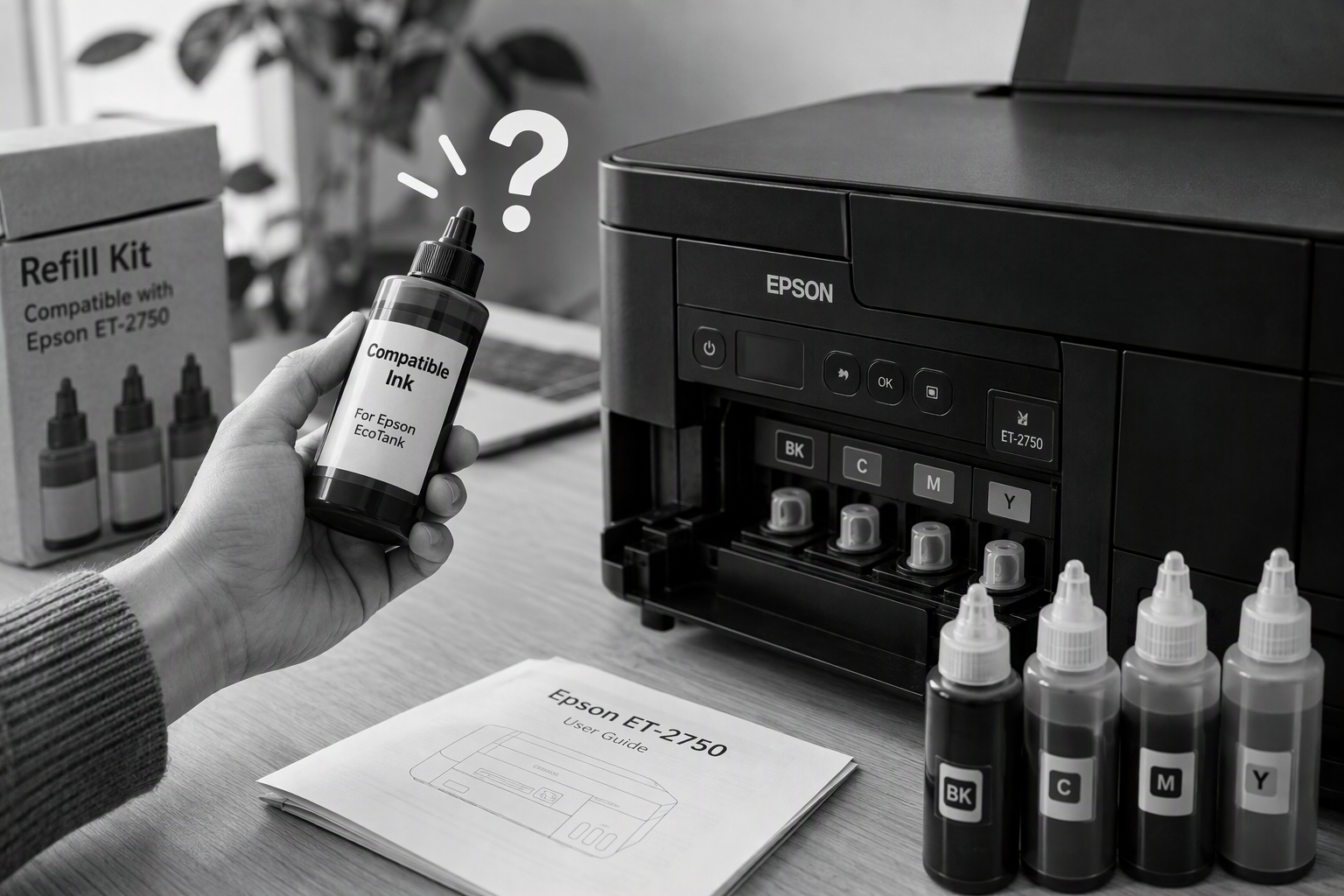
I was helping a customer recently with an Epson ET-2750 EcoTank printer, she was struggling refill it. After purchasing from Amazon what she believed (and was advertised as) a third party compatible retail refill that was half the price on the Epsom one she found for some reason she couldn’t top up the tanks.
The bottles physically wouldn’t fit the printer.
You see like many brands Epsom have designed their EcoTank printers use specially shaped bottle nozzles that only fit the correct colour tank. It’s actually quite a nice design because it stops people accidentally putting the wrong colour ink in the wrong tank. The downside is that third-party manufacturers don’t always get the design exactly right or in this case weren’t close and sites like Amazon that don’t scrutinise their third party sellers enough can claim something will work when it won’t.
Why It Happens So Often
Printer manufacturers are masters at making consumables confusing.
Two cartridges can look almost identical online and still be completely different. The same goes for toner cartridges and refill bottles. Sometimes the only difference is a tiny notch, chip, or connector that you won’t spot unless you’re looking closely.
Online marketplaces don’t help either.
Many third-party sellers cram huge lists of printer models into their listings in the hope of appearing in more searches. Add together hundreds of reviews from people using completely different printers and it becomes difficult to know whether a product is genuinely compatible or not.
Honestly, retailers could be and should be doing a much better job. Buying ink shouldn’t feel like you’re trying to crack a secret code.
Four Things to Check Before Ordering
Before clicking Buy Now, spend a few minutes checking the following…
1. Find the exact printer model
Don’t just search for “Epson EcoTank” or “HP OfficeJet”. Look for the full model number, usually printed on the front, back, or underneath the printer.
2. Check the manufacturer’s ink or toner code
Most printers use a specific cartridge or refill number. For example, Epson 502 or HP 305. You’ll usually find this inside the printer flap, in the manual, or on the manufacturer’s website or just ask your prefer AI.
3. Look closely at the pictures
Product photos often reveal more than the description does. Compare nozzle shapes, chips, labels, and cartridge designs with what you already have. In my customers case it became clear it wouldn’t work when looking at pictures of a genuine refil vs. this third party one.
4. Ignore the overall star rating
Instead, search the reviews for your exact printer model. If several people with the same printer report fitment problems, that’s usually a warning sign. I often start with the 1-star reviews as this often surfaces incompatibilities.
Not Sure? Ask Before You Buy
Printer ink is just one example of how surprisingly complicated buying technology has become.
Every week I speak to people who’ve bought laptops that aren’t quite powerful enough, Wi-Fi extenders that won’t work with their router, or cables that turn out to have the wrong connector on the end.
Having lots of choice is great until you’re staring at fifty similar looking products from various vendors a lot of which have forgettable and seemingly random letter names which only leave you wondering which reviews you can actually trust.
If you’re unsure before buying any tech, get in touch first. Whether it’s printer ink, a new computer, networking equipment, or smart home devices, a quick conversation can often save a lot of frustration and prevent an expensive mistake.
Sometimes five minutes of advice can be all it takes to avoid buying the wrong thing in the first place. Contact us here for help!